
LuckyCards and Social Browser: Separating Team Browser Workflows from Payment Controls
One of the least visible sources of friction in a growing marketing operation is the boundary between working in a service and paying for that service. A team can have excellent browser organization and still lose track of which project incurred a subscription expense. It can also have carefully allocated payment instruments and still confuse separate account sessions in the browser.
These issues need two complementary controls: operational workspaces for the browser, and a documented process for authorizing, allocating and reconciling spending. This article discusses how to organize that boundary using Social Browser for persistent independent browser Profiles and considering a virtual-card provider such as LuckyCards as one potential component of a separate payment workflow. There is no claim here of a built-in technical integration, shared account data or an automated financial connection between the two products.
A typical operational failure
Imagine a team working on three client projects. Each project uses its own approved advertising accounts, reporting portals, subscriptions and shared documentation. A staff member opens the wrong browser session to review a client's report, while another person renews a software subscription but does not record the client cost center. By month-end, the team has two unrelated problems: uncertainty about the browser context that was used, and a payment that finance cannot easily attribute.
Neither problem requires a complex new platform to start fixing. The core is to give each project a stable identifier, define what information belongs to the browsing layer and what belongs to the financial layer, and make the handoff between the two explicit. That approach is especially useful for small agencies, affiliate teams, distributed marketing operations and support organizations.
1. Give each client or project a recognizable workspace
In Social Browser, a Profile is a persistent browser workspace with its own stored session data. Create a distinct Profile when a workload needs independent cookies and site state, then use Groups and Tags to bring related Profiles together. A clear naming convention such as Client A / Reporting / Production or Client B / QA / Staging is easier to audit than a list of numbered windows.
Do not embed credentials, personally identifying data, account recovery codes or sensitive financial details in Profile names. A project label should provide context, not secrets. Equally important, a separate browser Profile does not itself grant permission to access a customer's account; the organization must provide the necessary authorization outside the browser.
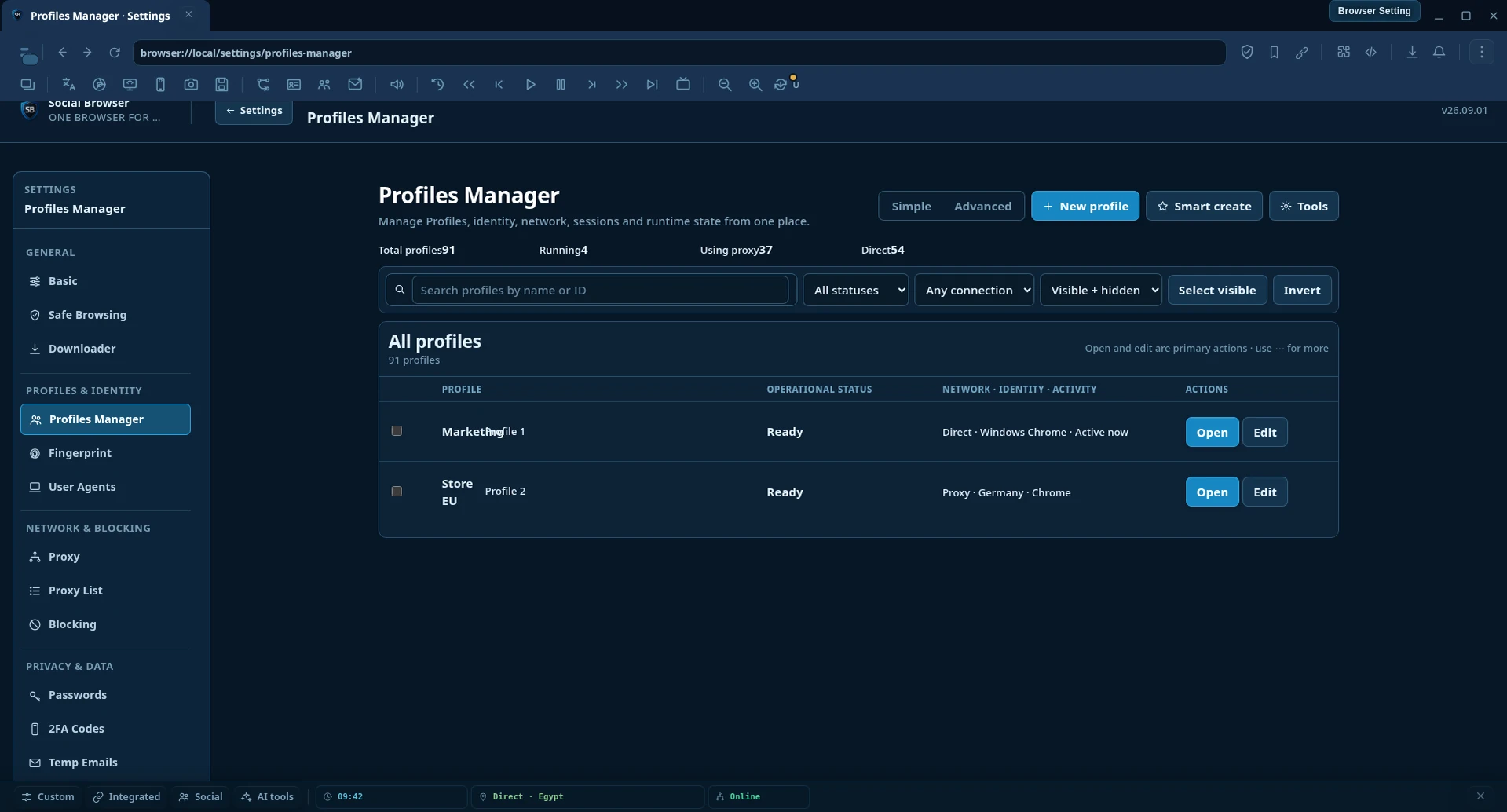
For a team that works across multiple projects, keeping a short operational register can prevent many errors. Record a Profile ID, project ID, intended task, authorized owner, status and last validation date. Do not copy passwords or full session tokens into this register.
2. Create a separate financial register
A browser Profile is not an accounting record. It may help an operator reach the correct authorized portal, but it does not tell finance whether a purchase was approved, which budget it belongs to or who reviewed the invoice.
Build a separate payment and expense register with the minimum fields required for reconciliation: project ID, expense purpose, approved amount or budget, vendor, billing period, approver, payment status and a reference to the receipt. If a virtual card or another payment instrument is used, record only the approved non-sensitive reference needed by finance. Do not store full card numbers, security codes or passwords in a shared worksheet.
LuckyCards markets virtual payment-card services for online services and advertising workflows. Teams evaluating such a provider should review the current eligibility rules, issuance and transaction costs, supported markets, security features and applicable terms directly with the provider. Do not assume every account has access to every feature or that any specific card type will be accepted by every third-party merchant.
3. Link the two registers with a project code, not credentials
The useful intersection is a stable project identifier. Both the browser inventory and the expense register can carry a project code such as PROJ-042 while retaining separate security boundaries. This allows a manager to answer operational questions without disclosing payment credentials to browser operators.
| Record | Example data | Should not contain |
|---|---|---|
| Browser Profile inventory | Project code, Profile name, task owner, permitted service, test status | Card credentials, shared passwords, secret session tokens |
| Payment register | Project code, vendor, budget, approval, invoice reference, spending status | Browser cookies, unrelated session data, unrestricted card details |
| Handoff log | Project code, request ID, completion state, reviewer, date | Full financial or browser secrets |
A shared project code enables operational reporting without implying that two products exchange data directly. If a company later creates its own reporting integration, its design should reflect data minimization, explicit authorization and the provider's documented APIs, rather than relying on informal copying between systems.
4. Make approval steps visible before spending
In growing teams, an ambiguous approval process is a more frequent problem than a lack of payment tools. Define a simple request: what is being purchased, for which project, why it is necessary, the expected cost, the billing period and who can approve it. The person asking for a subscription should not be the only person deciding whether an unusual spend is acceptable.
Use clear states for each request: requested, approved, paid, reconciled or declined. A purchase should not be marked reconciled simply because payment completed. Reconciliation also involves checking the invoice, final amount, allocation and any renewal or cancellation terms.
For recurring subscriptions, track renewal dates and service ownership. A team can avoid paying for unused tools by reviewing active seats, expired projects and duplicated subscriptions before a new billing cycle. These controls are independent of the browser or card provider and continue to work even if a team changes vendors.
5. Apply the same discipline to proxy and automation workflows
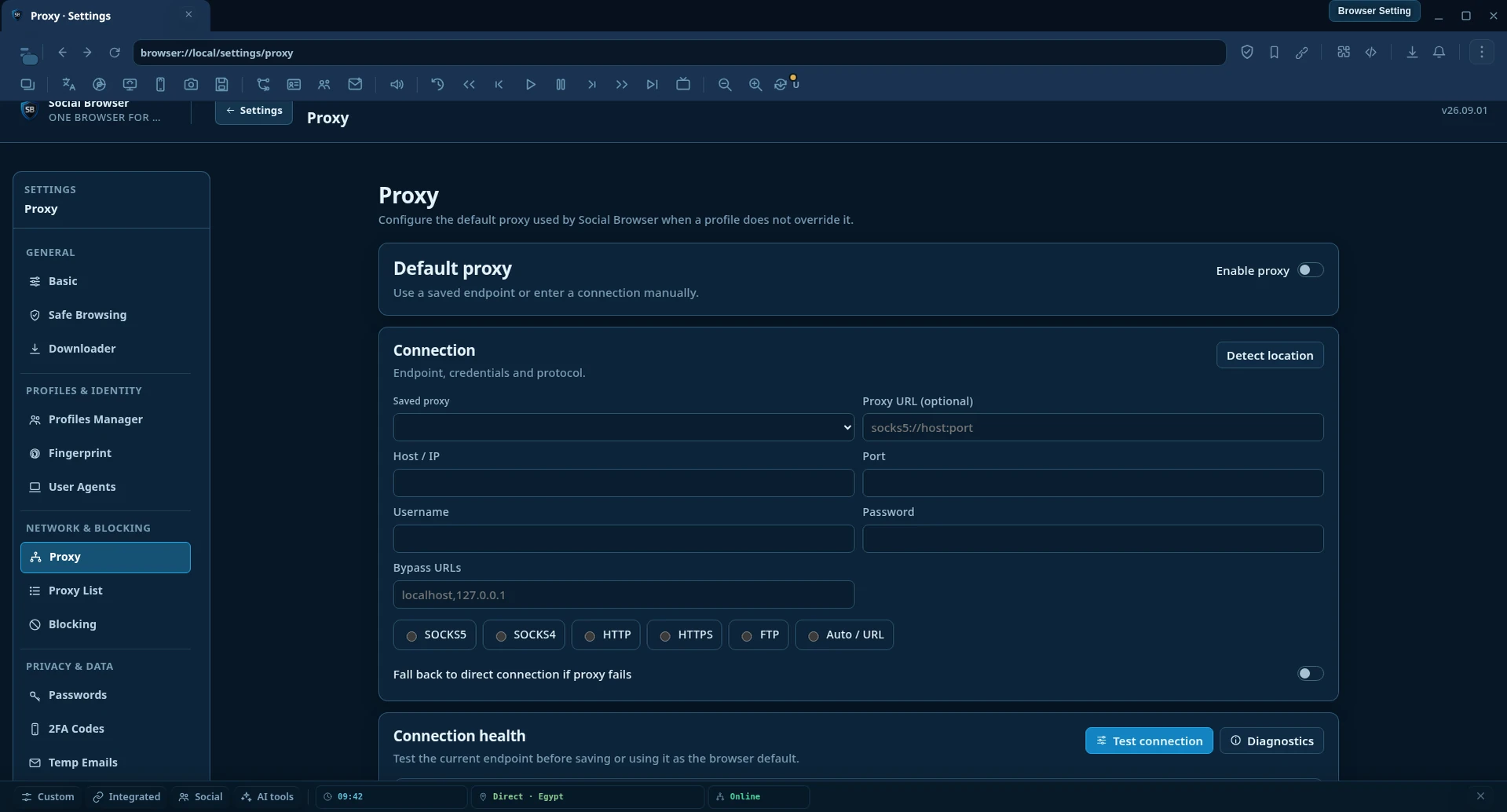
For a browser Profile that uses a proxy, record the expected network route separately. Assign the configured proxy in the Profile's settings, then verify its actual public IP and region from inside that workspace. Browser-state isolation and network routing are different controls and should each have their own validation step.
Where staff carry out the same permitted operation many times, Social Browser's Automation Studio can help define repeatable actions. Start with one Profile, validate the expected result and expand gradually. Record a failure category rather than retrying blindly. A workflow that fails because a permission was denied should not automatically attempt the same restricted action again.
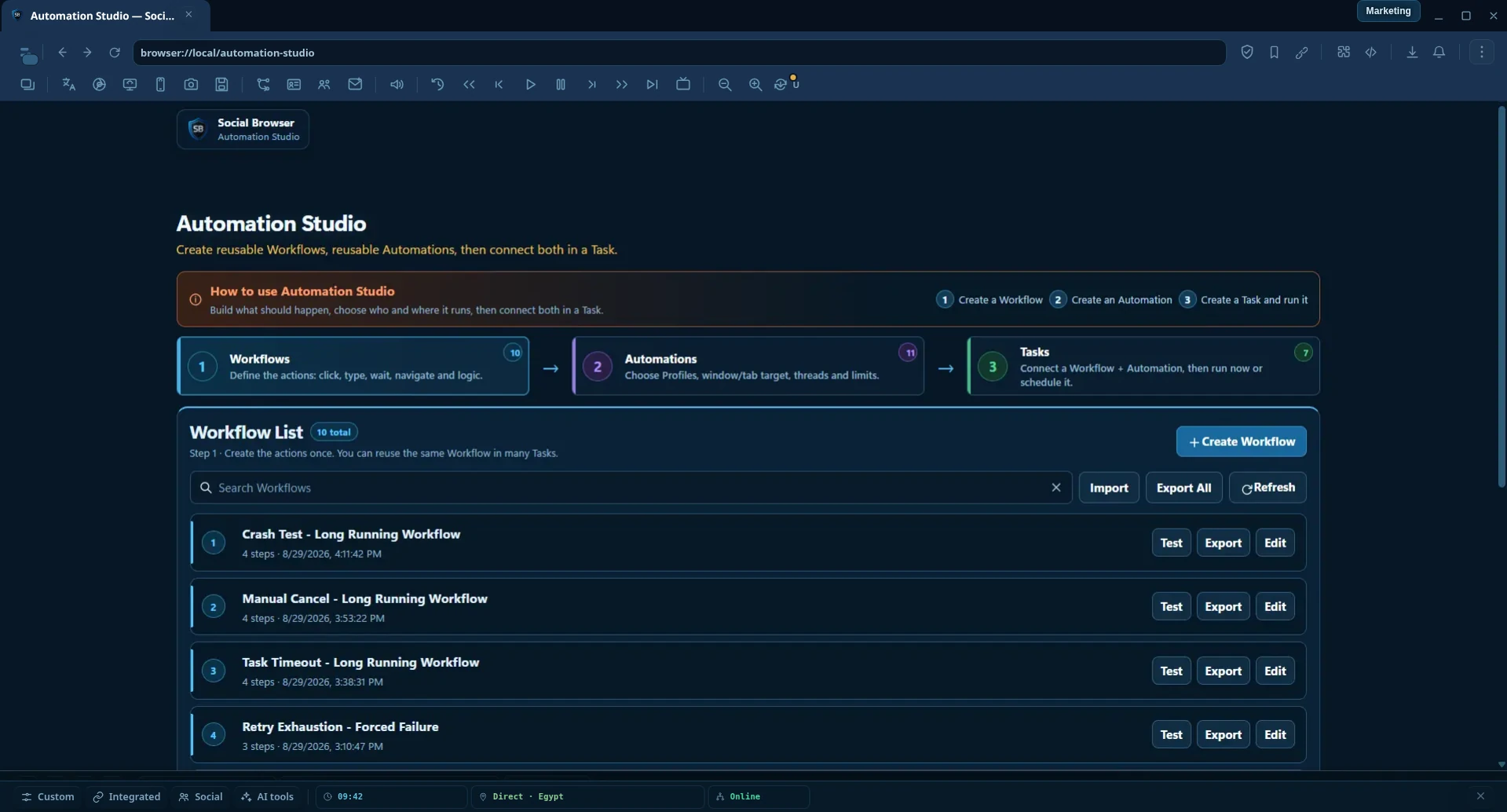
Crucially, automation in a browser does not automate approval of financial transactions. Spending authorization, payment custody and reconciliation should remain in the separate processes chosen by the organization.
6. Define a practical handoff between operators and finance
A lightweight handoff process can make a distributed team more predictable:
- Define the task. The operator chooses the approved project and browser Profile, not an arbitrary logged-in window.
- Confirm access. The operator checks that account permission, network route and task scope are appropriate.
- Request a tool or service. If the task requires spending, the request is linked to the project's code and sent through the agreed approval flow.
- Approve separately. The authorized budget owner evaluates cost and business purpose, without needing browser secrets.
- Complete the operation. The assigned operator performs the permitted task and records its outcome.
- Reconcile the expense. Finance matches the charge to an invoice, a valid approval and the project code.
- Close the task. The project register reflects completion or a documented issue.
This process also makes onboarding easier. A new employee can see which Profiles and responsibilities belong to their role, while payment permissions and sensitive credentials stay with the appropriate custodians.
7. What to measure
Measure improvements by the reduction in rework and ambiguity, not simply the number of browser Profiles or payment methods created. Useful indicators include the share of active Profiles with an assigned owner, the number of tasks performed in the wrong work context, the percentage of expenses attributed to a project within the same reporting period, and the time needed to resolve an unassigned charge.
| Metric | Desired improvement | Simple evidence |
|---|---|---|
| Profile ownership coverage | Every critical workspace has an identified maintainer | Current Profile inventory |
| Workspace mix-ups | Fewer operations opened in the wrong environment | Incident or correction log |
| Expense attribution | Fewer charges lack a valid project code | Reconciliation report |
| Approval latency | Routine requests are handled promptly | Time from request to decision |
| Repeated failures | Fewer preventable recurring configuration problems | Categorized operation logs |
Frequently asked questions
Does a separate browser Profile provide a separate payment account?
No. A Profile isolates browser session state; it is not a card issuer, ledger or separate financial account. Payment permissions and records are managed by the relevant payment systems and your organization.
Can LuckyCards be linked directly to Social Browser?
This article makes no claim of a built-in LuckyCards integration. The workflow presented is an organizational method that links separately maintained registers through a project code.
Does using several Profiles require several IP addresses?
Not necessarily. Each Profile can have its own proxy configuration, but two Profiles may still share a public exit IP. Choose network routing according to legitimate task requirements and validate it directly.
How does a small team begin?
Choose two active projects, define one project code for each, organize their browser Profiles and create a basic expense approval and reconciliation register. Review the result after a complete billing cycle before expanding the system.
Build an operational boundary that survives team growth
A team does not gain control simply by opening more browser windows or acquiring more payment instruments. It gains control when every operational workspace has a known purpose, every expense has a documented owner and every handoff has enough context to be verified. Separate session data from payment data, connect them with a project identifier, and review the process regularly.
Learn more about Social Browser and its per-Profile configuration and automation capabilities. If a virtual-card service fits your organization's financial requirements, review LuckyCards and evaluate current pricing, eligibility, supported use cases and contractual terms directly.
Editorial disclosure: LuckyCards and Social Browser are participating in a reciprocal directory/content collaboration. The mention is not presented as a paid review or a technical integration.
